

Description
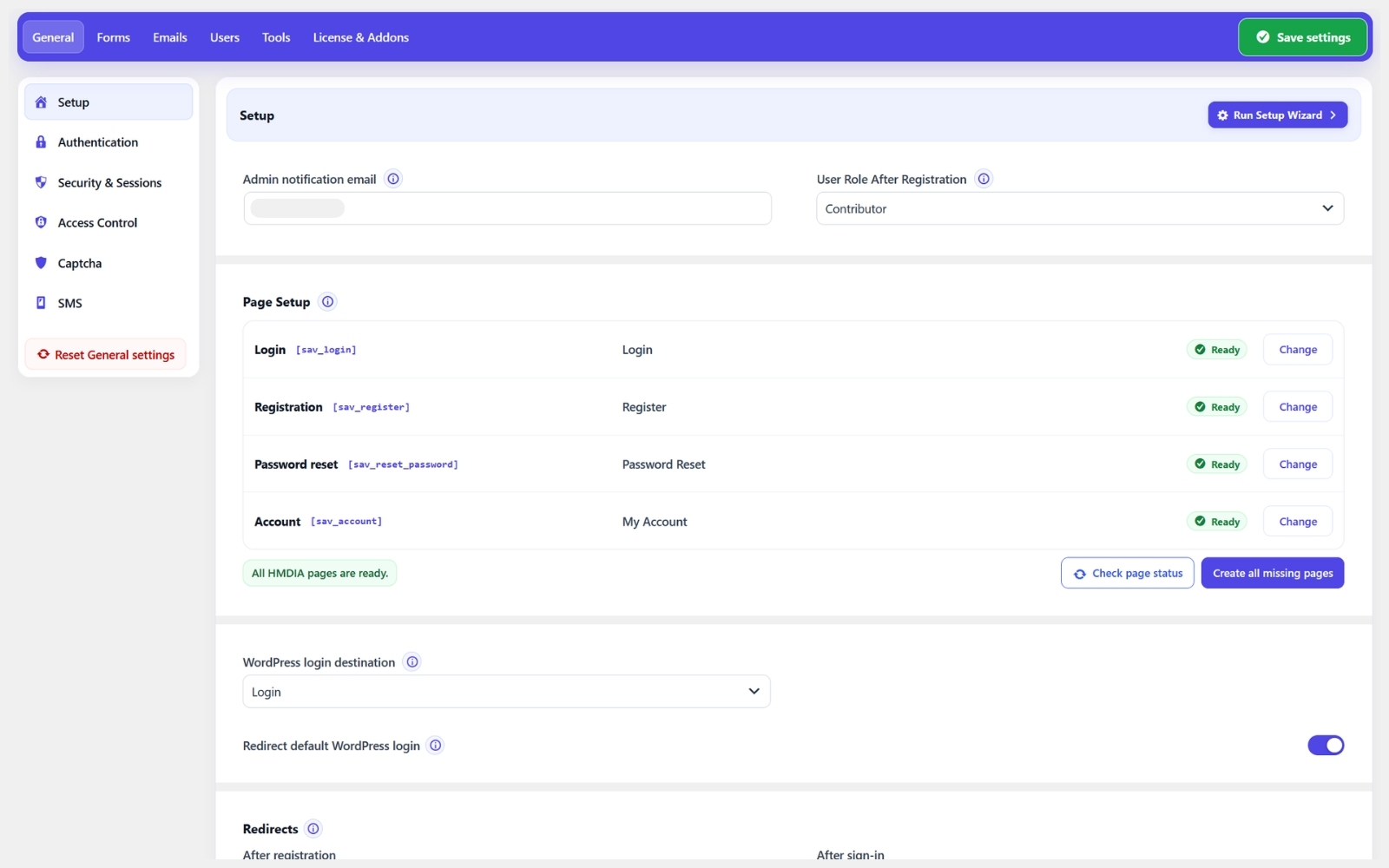
HMDIA Login & Registration helps you create a sign-in and account experience that fits your site. Design login, registration, password reset and account pages; customize forms and emails; and verify new users with an email code or magic link. Built-in spam protection, optional CAPTCHA, redirects and page access controls give you more control while using WordPress user accounts.
The free plugin works on its own. Optional Pro adds advanced login and registration fields, two-factor authentication, passkeys and session tools. Separate add-ons extend traffic security, content submission and support.
Free features
- Login, registration, password reset and account pages.
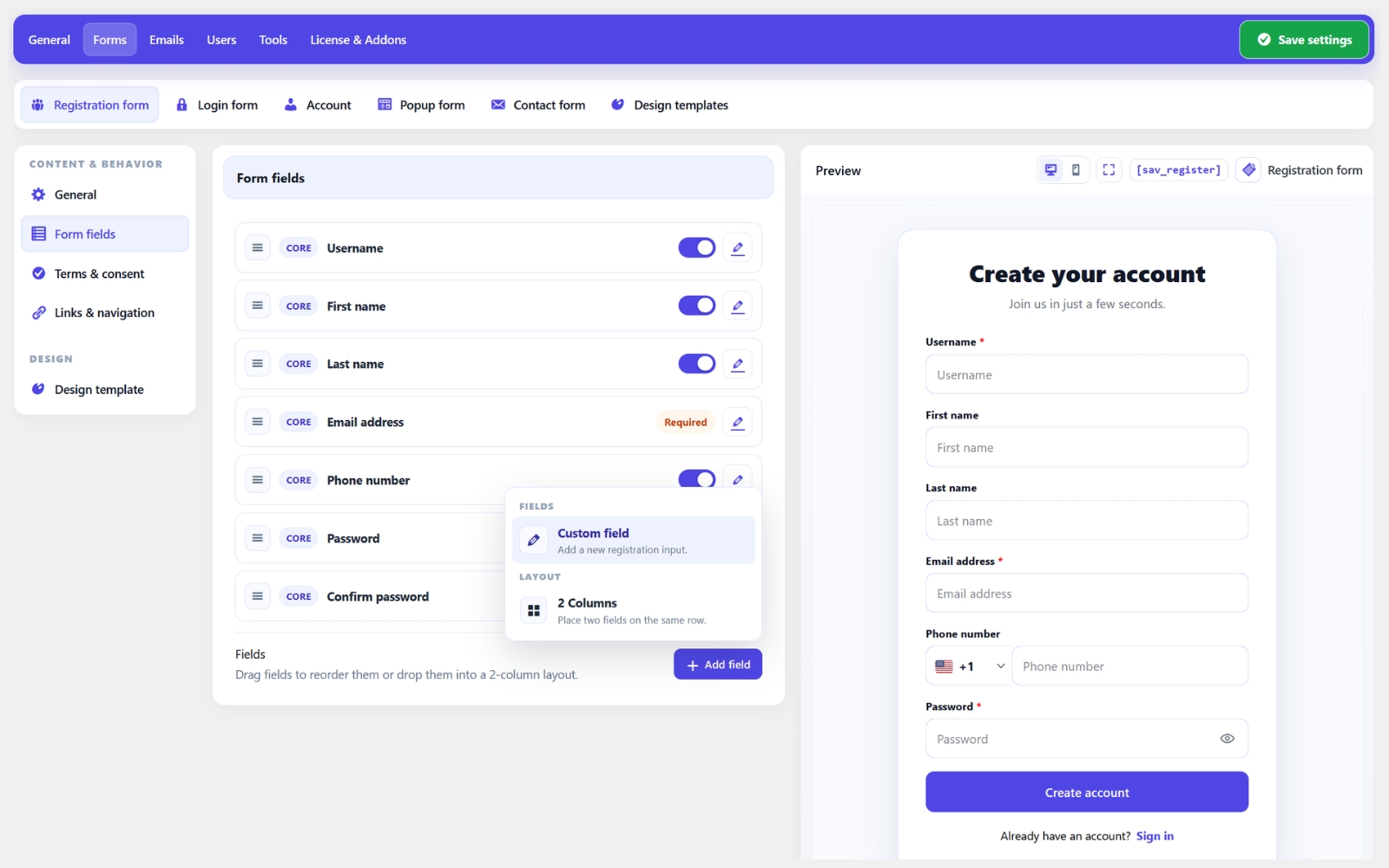
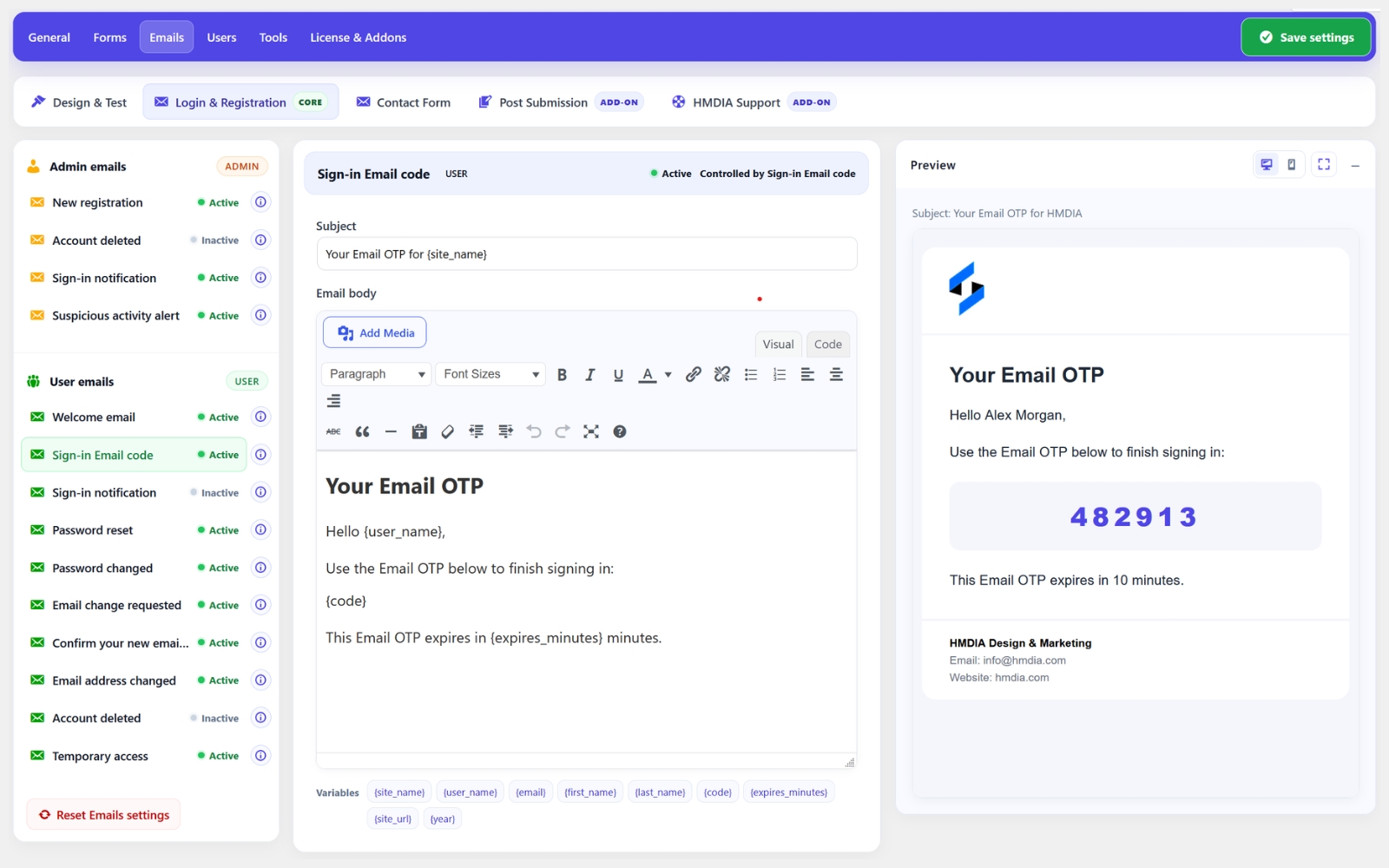
- Customizable forms, emails and design controls, with a setup wizard.
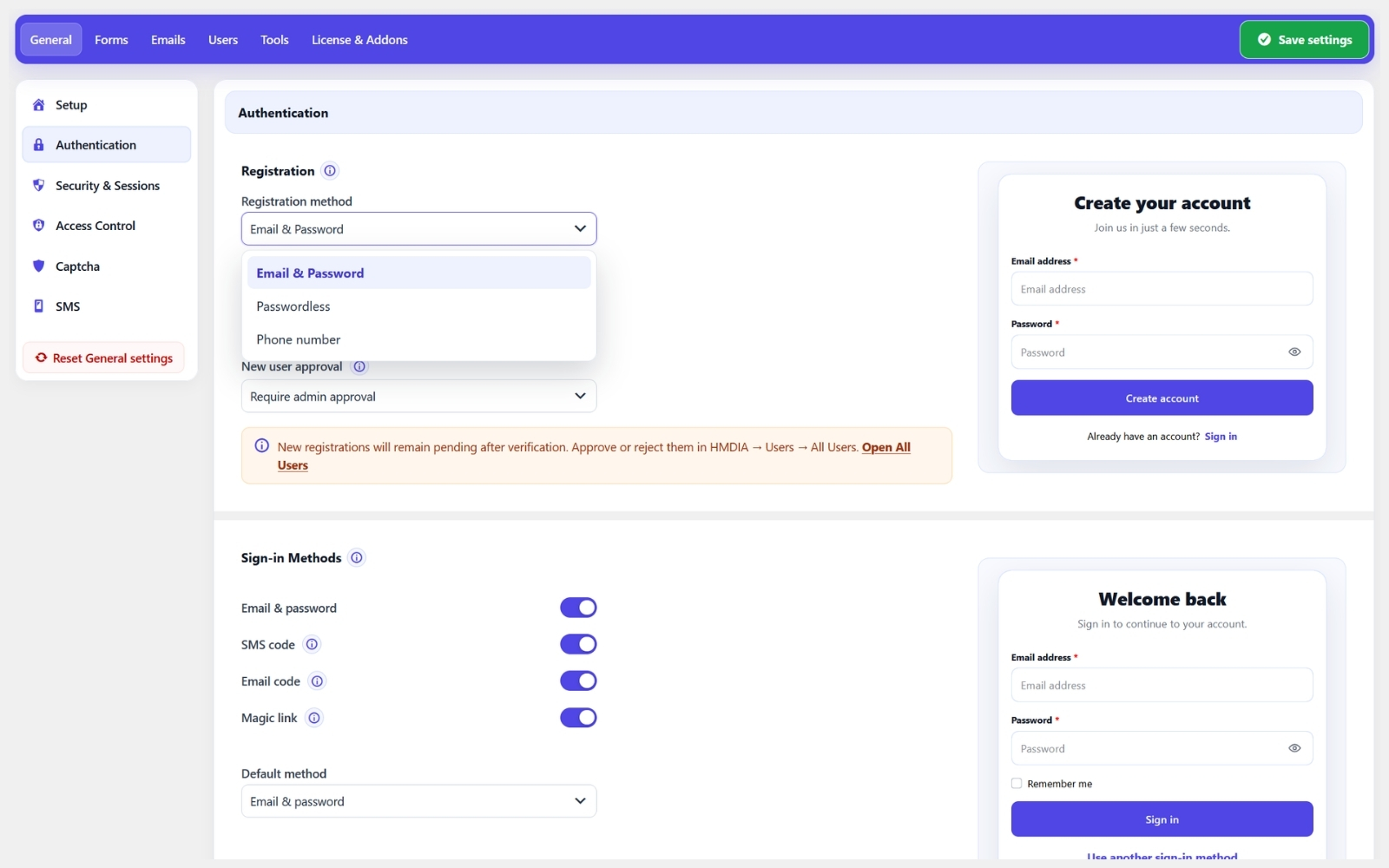
- Optional email code or magic link verification for registrations.
- Password rules, redirects and selected-page access controls.
- Built-in honeypot; optional Google reCAPTCHA v3 or Cloudflare Turnstile.
- Contact forms with configurable fields, saved submissions and email notifications.
Pro features
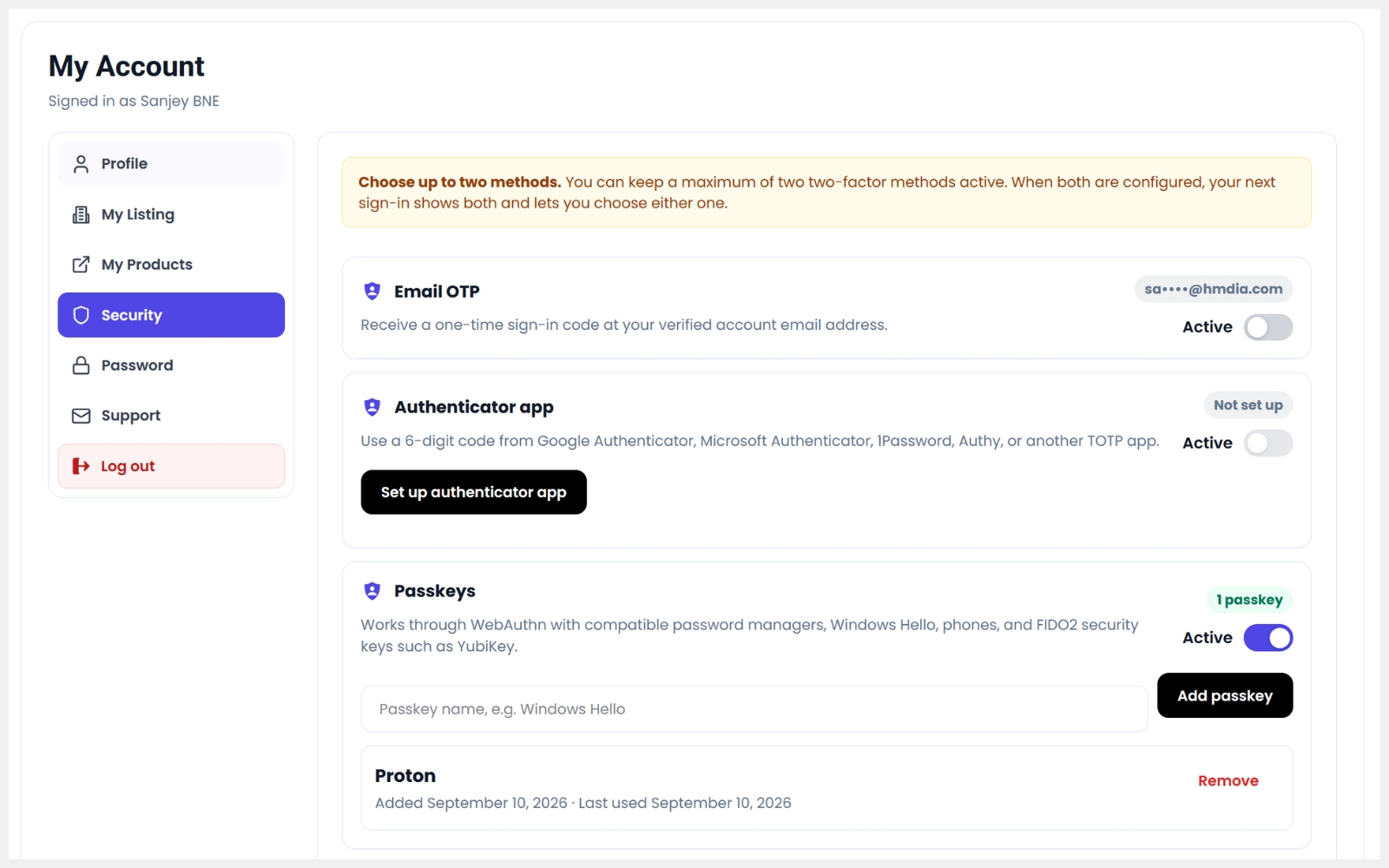
- Passwordless passkey login, passkey two-factor verification and recovery codes.
- Two-factor authentication using an authenticator app, email, or SMS.
- Google Sign-In for login and registration.
- Temporary Login Access.
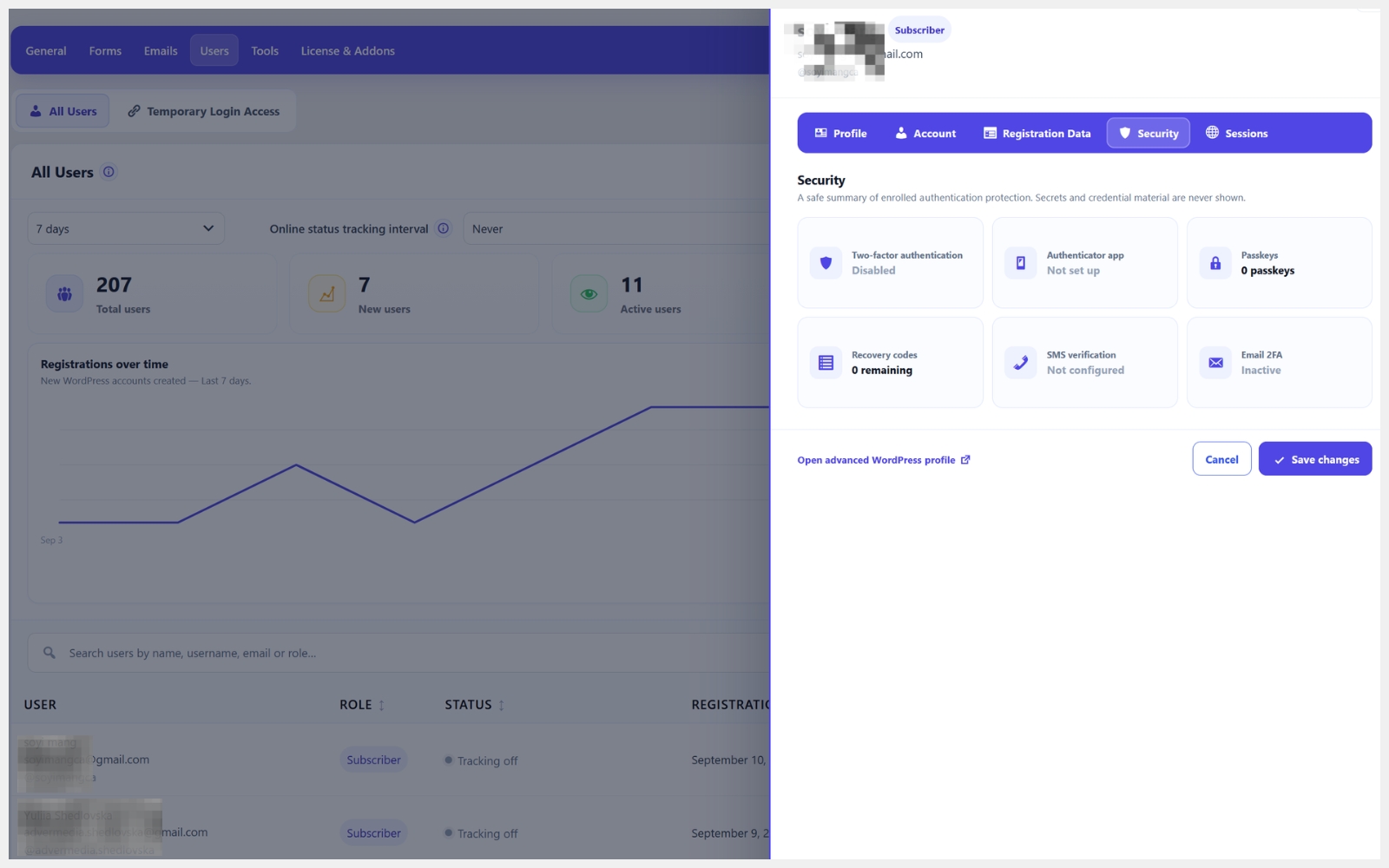
- Advanced session management for Admin & Users.
- Force User Logout
- Role-based redirects.
- Advanced login and registration fields.
- Additional account and registration options.
Optional add-ons
- HMDIA Traffic & IP Security: visitor analytics, sign-in activity and IP rules.
- HMDIA Post Submission: frontend content-submission forms.
- HMDIA WooCommerce Verification: checkout verification using email codes, SMS codes, or both.
These are separate plugins. The free plugin works without them. Explore Pro and add-ons.
External services
- Google reCAPTCHA v3: Optional spam checks send visitor IP and browser data to Google; verification also sends the challenge token and secret key. Service · Terms · Privacy
- Cloudflare Turnstile: Optional spam checks send visitor IP and browser data to Cloudflare; verification also sends the challenge token and secret key. Service · Terms · Privacy
- Twilio SMS (optional Pro add-on): When enabled, SMS delivery sends phone numbers, security-code messages and credentials to Twilio. Connection tests send credentials; SMS may incur charges. Service · Terms · Privacy
CAPTCHA may also run for suspicious sign-ins when the optional Traffic & IP Security add-on is configured.
Screenshots

Installation
- Install and activate HMDIA Login & Registration in WordPress.
- Use the optional Setup Wizard or configure pages and forms in the plugin settings.
- If purchased, install and activate the separate Pro add-on after Core. Documentation.
FAQ
-
What does HMDIA Login & Registration replace?
-
It provides customizable frontend login, registration, password reset and account pages while continuing to use WordPress user accounts and authentication. You can optionally redirect the default WordPress login page to your custom login page.
-
Can I customize the forms and emails?
-
Yes. You can customize form fields, labels, buttons, colors, spacing and authentication email content to match your website.
-
Do I need Pro to use the plugin?
-
No. The free plugin works independently and includes custom forms, registration verification, email customization, spam protection and contact forms. Pro adds features such as passkeys, two-factor authentication, Google Sign-In and advanced session management.
-
Can existing WordPress users sign in?
-
Yes. Existing WordPress users can sign in using their current account credentials. Their accounts remain stored and managed in WordPress.
-
Do I need CAPTCHA keys?
-
No. The built-in honeypot works without API keys. Google reCAPTCHA v3 and Cloudflare Turnstile are optional and require their respective site and secret keys when enabled.
-
Why am I not receiving verification emails?
-
Email delivery depends on your website’s mail configuration. Check the spam or junk folder, run an email delivery test in the plugin settings, and review your WordPress mail or SMTP configuration.
-
Can I verify email addresses and phone numbers at WooCommerce checkout?
-
Yes. The separate HMDIA WooCommerce Verification add-on supports email codes, SMS codes, or both at checkout. It requires WooCommerce, a compatible Core version and an active HMDIA Pro entitlement. Customers must complete each enabled verification method before checkout can proceed.
-
Does uninstall delete my users or data?
-
Uninstall cleanup is opt-in. Regular WordPress users are preserved. Separately enabling page cleanup can move verified plugin-created pages to Trash; deactivation does not delete them.
Reviews


Contributors & Developers
“User Registration & Login – Magic Links & Email OTP Verification, Passkeys & 2FA, Cloudflare Turnstile, Google reCAPTCHA & Honeypot – HMDIA” is open source software. The following people have contributed to this plugin.
Contributors
Interested in development?
Browse the code, check out the SVN repository, or subscribe to the development log by RSS.
Changelog
2.1.2
- Improve password-manager recognition of email login fields while preserving existing passkey autofill hints.
- Fix first-attempt CAPTCHA connection tests in settings and the setup wizard when the provider API loads slowly.
2.1.1
- Show active 2FA method counts and a searchable user sidebar when supported by Pro.
- Confirm disabling site-wide 2FA when users have active methods; preserve their saved methods.
- Protect users from losing their only usable individual 2FA method and retain locked values during saves.
2.1.0
- Add support for Google Sign-In on login and registration forms (Pro).
- Add support for passwordless passkey login (Pro).
- Improve sign-in buttons and settings layout.
2.0.90
- Fixed an issue that prevented the Save button from appearing after editing Design Templates.
2.0.89
- Initial WordPress.org release.
- Explain when a security plugin blocks the new session after a password change; discard the rejected session token.